The problem
Assigning every shift manually means repeatedly checking availability, leave and role requirements. It is slow work, especially when a roster already has a sound shift structure but still needs people assigned.
Weekli’s approach
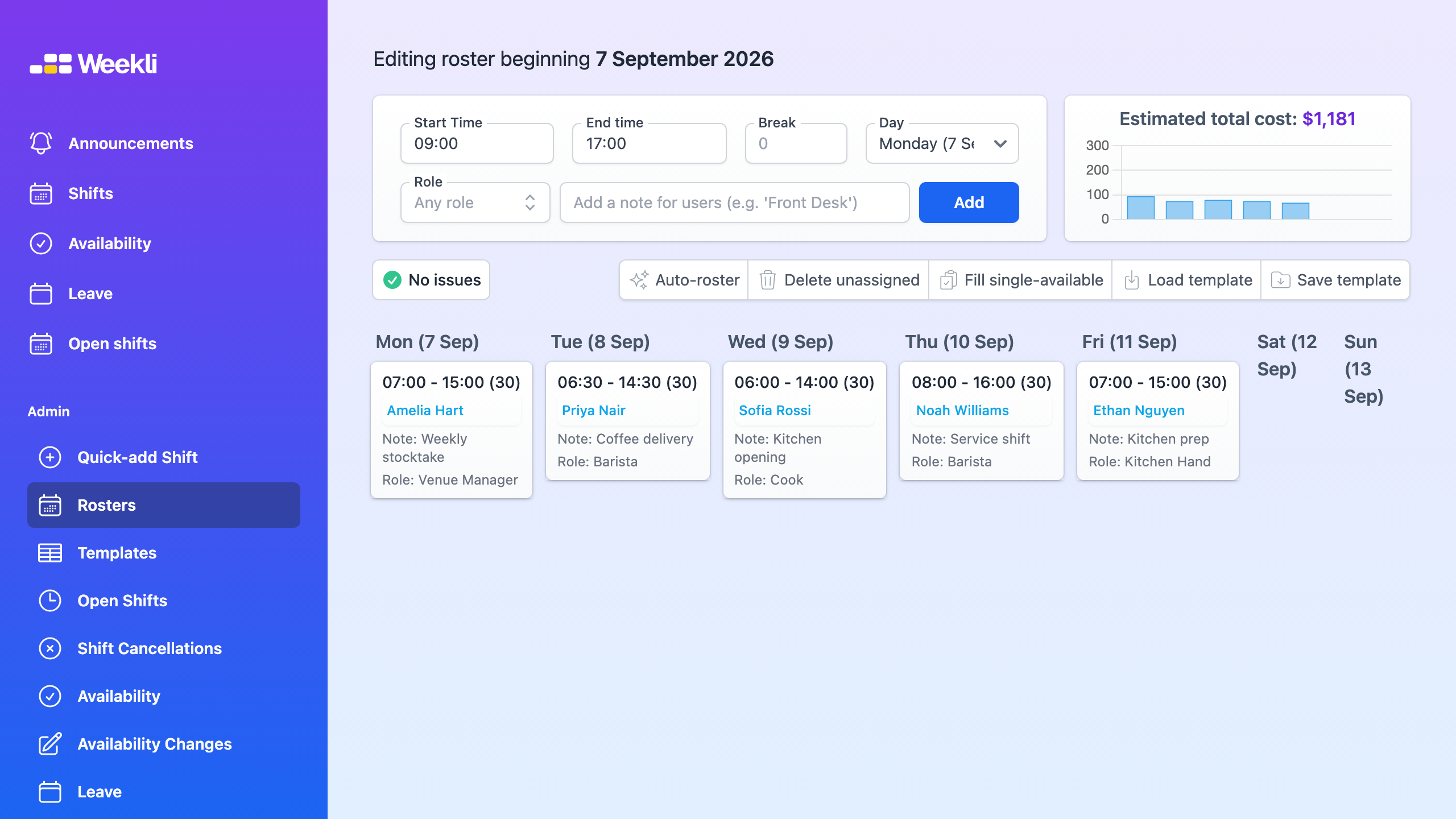
Weekli auto-rostering fills unassigned shifts in an existing draft. It uses the information visible in the roster to create a starting point, while leaving the draft unpublished and the manager responsible for the final decisions.
The issue indicator keeps unassigned shifts and availability problems visible after auto-rostering runs. Managers can change an assignment, leave a shift open, or use Fill single-available for the narrower case where only one person can work a shift.
Auto-rostering is not a substitute for judgement. Review the draft against the team’s actual needs before publishing.
Read the auto-rostering guide for the complete workflow.