The problem
Weekly rostering becomes slow when a manager rebuilds familiar shifts, chases the latest availability and searches the whole schedule for gaps. The repeatable parts of the week take time away from the decisions that actually need judgement.
Weekli’s approach
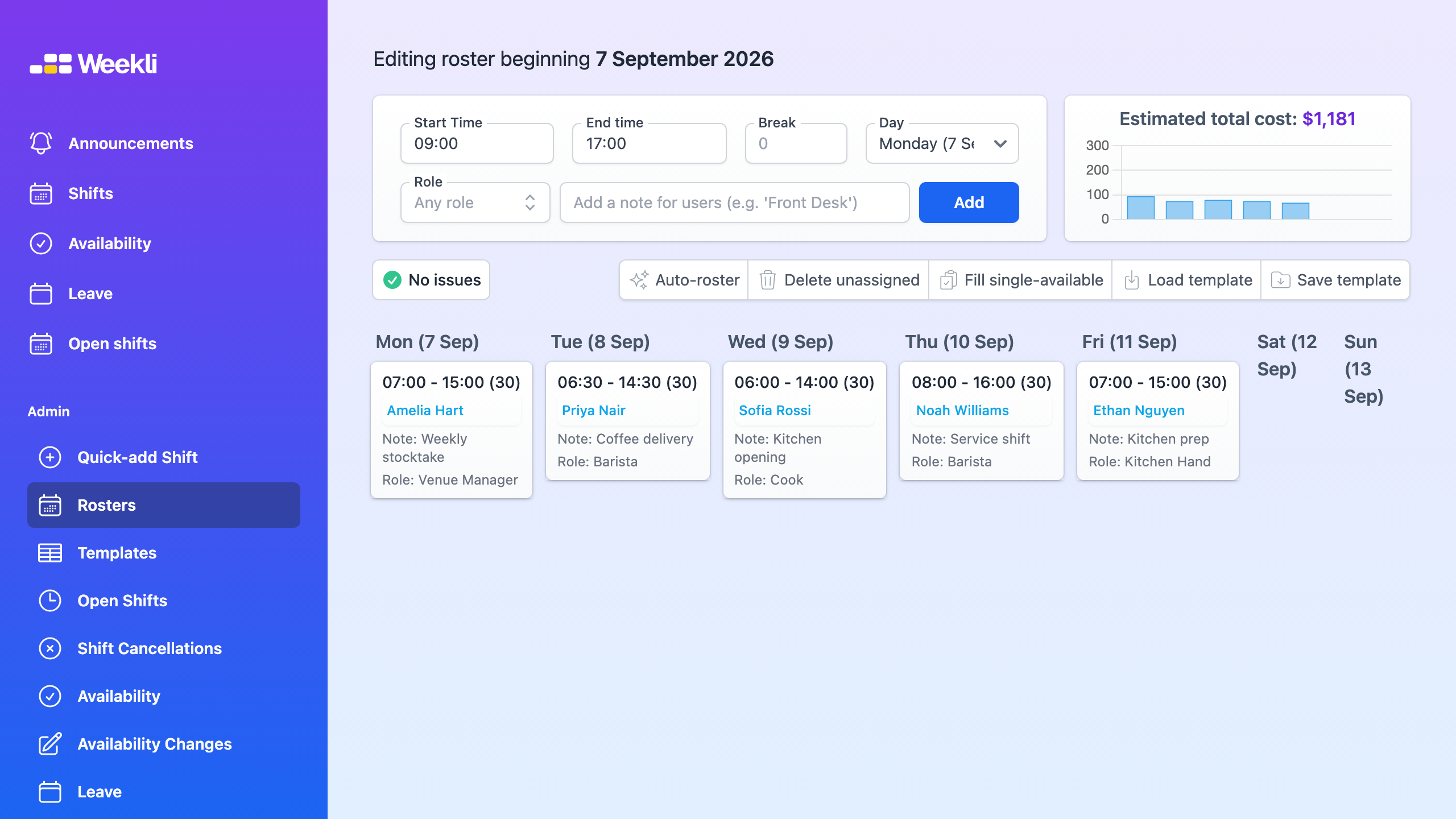
Weekli starts a draft from reusable, unassigned roster templates, so the usual shift structure is ready without carrying over last week’s assignments. The manager then works with current availability, approved leave and role requirements while making the week-specific changes.


The draft flags unassigned shifts, unavailable assignments and incomplete cost information rather than leaving the manager to find them by inspection. Auto-rostering can provide a starting point; the manager reviews every suggestion and publishes only when the roster is ready to be the team’s shared record.
Use the first roster guide for the complete product workflow.