The problem
An important update sent in a busy message thread is easy to miss. Managers may have no practical way to distinguish an unread message from one a staff member has seen, particularly when the update affects an upcoming roster.
Weekli’s approach
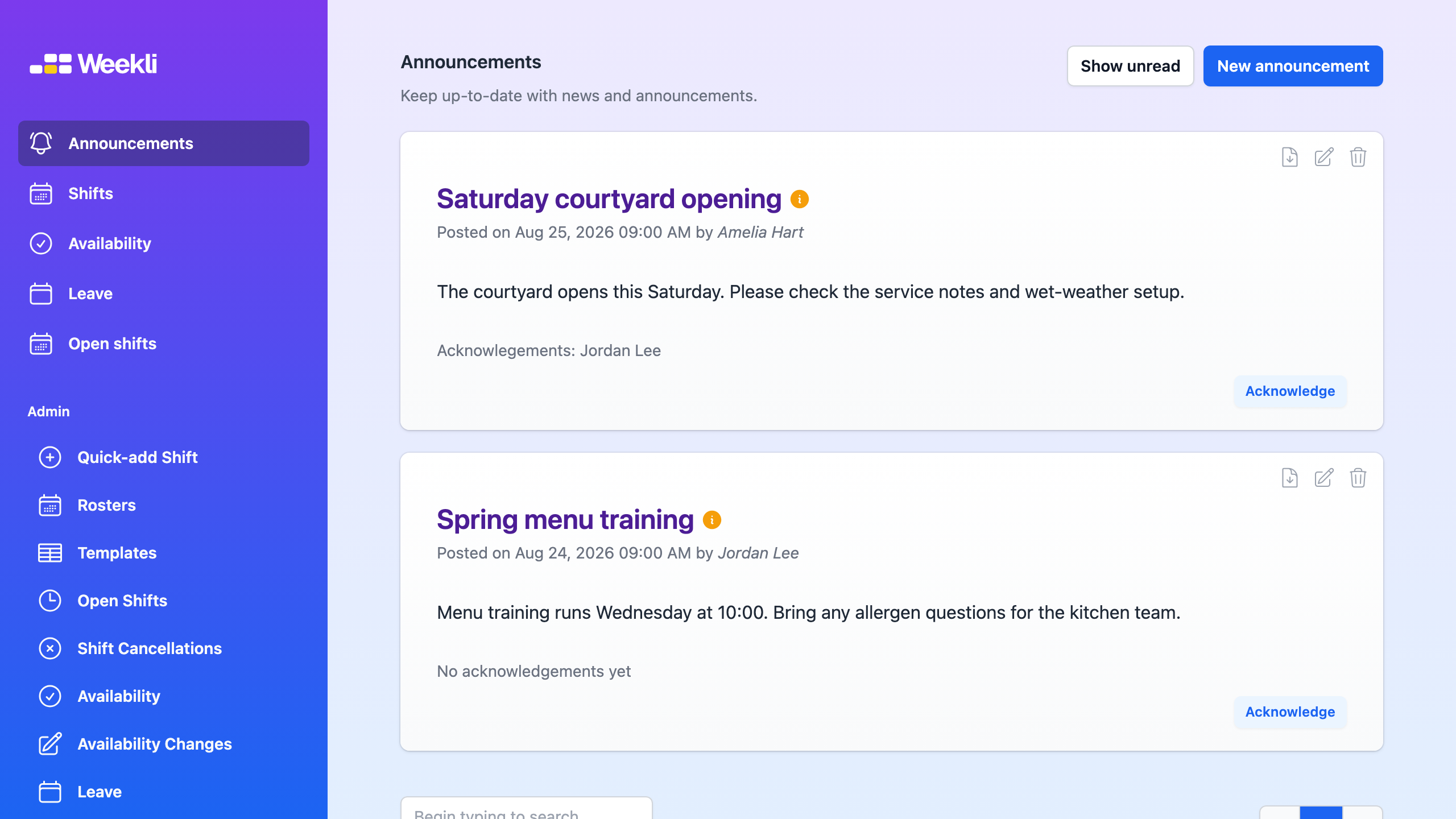
Weekli announcements give the team one place to read shared updates. Employees can acknowledge an announcement to record that they have read it, and managers can review the acknowledgement names below the published message.
When Require acknowledgements is enabled, people must acknowledge new announcements before accessing their roster. Employees can also use Show unread to focus on updates they have not yet acknowledged.
An acknowledgement records that a person read an announcement; it does not approve leave, change availability or accept a shift. Those actions remain in their own Weekli workflows.
Read the announcements guide for the complete workflow.